
Every cue.
One clear view.
From the first inquiry to the final load-out. Explore how an AV production team could connect its events, crew and equipment in one calm workspace.
A standalone SmoothShifts concept. Everything you try stays in this tab.
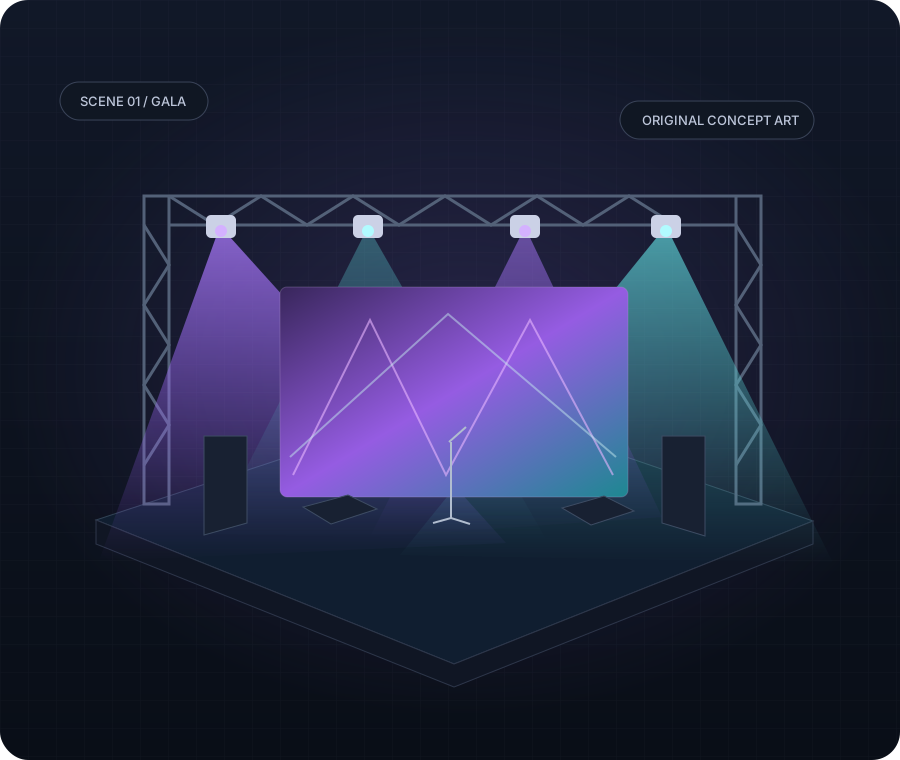
Keep the whole show connected.
See the same fictional event through the customer, office, crew and owner views.
Event lighting
Uplights, moving heads and the right look for every scene.
Explore allocationsAudio production
Build a sample production quote with clear quantities and rates.
Explore a quoteLED walls & video
Reserve sample panels and track what is available for an event.
Explore inventoryStage & event setup
Turn a booked event into a work order and a practical checklist.
Explore work ordersCrew services
Assign fictional technicians, set call times and preview dispatch.
Explore crewEvent scheduling
Move between the sample week and a shared event run of show.
Explore the scheduleA smoother path to show day.
- 01
Capture the brief
Services, timing and the details that matter.
- 02
Plan the production
Quote, schedule, crew and equipment.
- 03
Run the show
Call times, checklists and job progress.
- 04
Close the loop
A sample invoice and owner summary.
Take the controls.
Make a quote. Assign the crew. Complete a sample event.
No sign-in, setup or real-world action required.